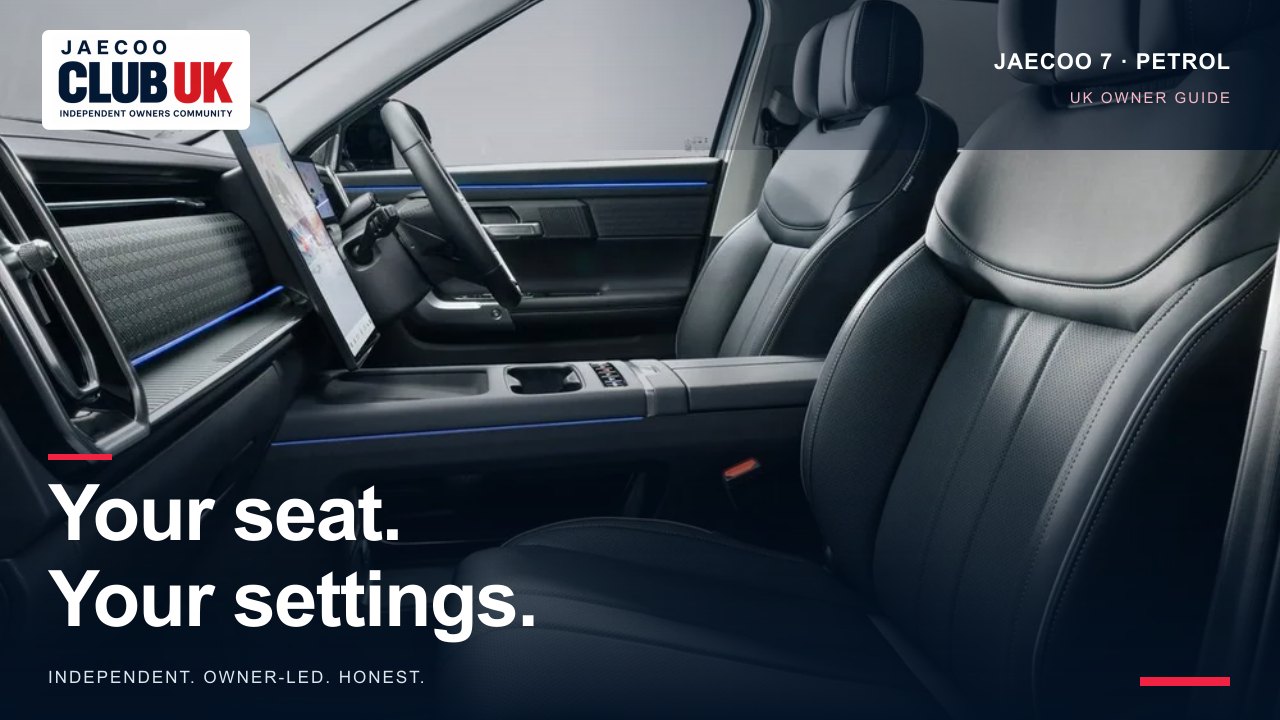
Seat memory and easy entry are both marked “if equipped” in the petrol J7 handbook. Memory saves the exterior mirrors with the seat, while easy entry moves the driver’s seat to help you get in and out.
Supported models and trims
JAECOO 7 petrol: Deluxe / Luxury, only where the described equipment is fitted
UK manual review; not a hands-on vehicle test. A missing menu may reflect equipment or software; this guide does not promise a feature can be enabled.
Before you begin
Park safely before changing settings. Match the powertrain, equipment and screen layout to the handbook for your own car. A manual describes possible equipment; it is not confirmation that every UK trim has it.
Step-by-step instructions
- Park and turn power to ON. Adjust the driver’s seat and exterior mirrors to a safe driving position.
- Open Audio System → Vehicle Centre → Vehicle comfort → Seat / rear-view mirror position.
- Choose Driving position, Rest position or Alternate location, then long-press the chosen position to update and memorise it, as the manual describes.
- To recall, select the appropriate saved position in the same menu. Keep the seat’s travel area clear.
- To enable easy entry/exit, open Audio System → Vehicle Centre → Vehicle comfort and turn the function on.
- For exit, switch from ON to OFF and open the driver’s door: the seat moves back. For entry, switch from OFF to ACC: it moves forward.
Choose a driving position before moving off
A saved Rest position is not automatically suitable for driving. Recheck pedal reach, steering position, belt fit and mirrors after recall. The manual does not specify a hold duration for saving, so this guide does not invent one.
Other models
The J7 SHS and J8 use different documented routes. Seat-memory and easy-entry instructions were not found in the supplied J5 or E5 manuals; do not transfer this procedure to those cars.
Troubleshooting
- Mirrors move as well: seat and exterior-mirror positions are saved and recalled together in these manuals. Check both before saving.
- No save prompt: check the required power state, fitted equipment and the applicable screen layout. Do not assume a hidden key-binding menu exists on every revision.
- Easy entry does not move: check the enable setting and the power/door sequence below, and confirm the travel area is clear.
- Unexpected or unsafe movement: stop it with a seat-adjustment switch and have persistent faults inspected.
Safety and limitations
- Save and recall positions while parked. Check pedals, steering-wheel reach and mirrors before driving.
- Keep rear passengers, children and belongings clear of the seat’s travel. If anyone risks being trapped, operate the seat-adjustment switch to stop movement, as the manuals direct.
- Do not leave children alone in the vehicle. Seat memory and easy access can move the seat automatically.
Related controls and next steps
SOURCES & REVIEW
Check the original information.
- JAECOO UK JAECOO 7 model page; current UK trim names checked 8 October 2026. Trim naming is not a guarantee of every handbook feature. ↗
- JAECOO 7 petrol UK owner manual, issued July 2025; Seat Memory; Easy Entry / Exit; printed pp. 54, 55 (PDF pages 64, 65). Supplied file: jaecoo 7 manual none SHS.pdf. ↗
Prepared by JAECOO Club UK. Source information checked on 8 October 2026. Club checklists and examples are editorial suggestions; follow the handbook and terms that apply to your own vehicle. We are independent of OMODA & JAECOO.