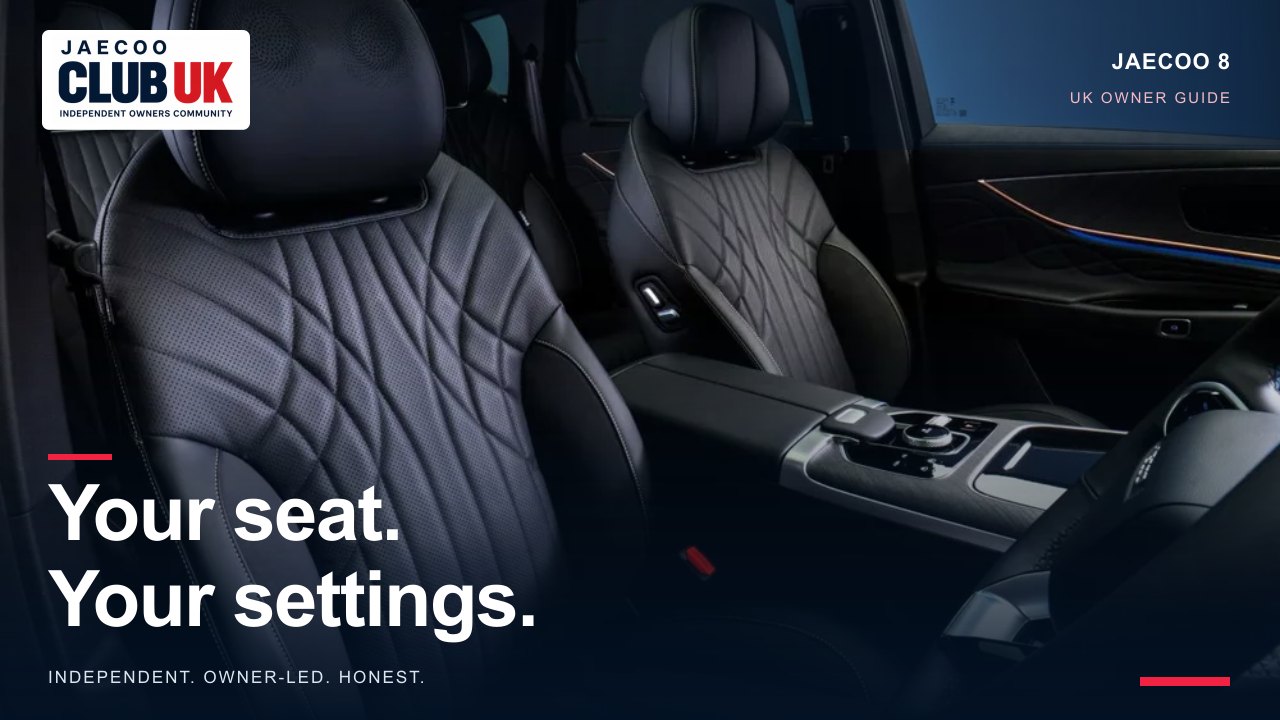
The J8 saves the driver’s seat and exterior mirrors together. Easy entry is a separate preference: it moves the driver’s seat back when you power off and open the door, then forwards when you power on.
Supported models and trims
JAECOO 8 SHS-P: Luxury / Executive, subject to the seat and equipment qualifications below
UK manual review; not a hands-on vehicle test. A missing menu may reflect equipment or software; this guide does not promise a feature can be enabled.
Before you begin
Park safely before changing settings. Match the powertrain, equipment and screen layout to the handbook for your own car. A manual describes possible equipment; it is not confirmation that every UK trim has it.
Step-by-step instructions
- Park with the vehicle in READY and check that the seat’s travel area is clear.
- Adjust the driver’s seat and exterior mirrors to the position you want to save.
- Use the seat-memory screen that pops up to save or update the memorised position. Use that screen to restore the saved position when needed. The manual does not prescribe a named slot or a timed hold.
- For easy entry, open Audio System → Vehicle Setting → Vehicle Settings and turn on Easy entry/exit seat.
- To leave, switch from READY to powered off and open the driver’s door. The driver’s seat moves backwards.
- When you power the car on again, the seat moves forwards. Recheck the driving position and mirrors before moving off.
Equipment and scope
The current UK model specification lists driver-seat memory and a welcome function on the J8. This guide describes the driver’s seat only; it does not imply that front-passenger or rear seats have the same memory behaviour. The handbook specifies a movement by a certain distance, not a user-adjustable travel distance.
Troubleshooting
- Mirrors move as well: seat and exterior-mirror positions are saved and recalled together in these manuals. Check both before saving.
- No save prompt: check the required power state, fitted equipment and the applicable screen layout. Do not assume a hidden key-binding menu exists on every revision.
- Easy entry does not move: check the enable setting and the power/door sequence below, and confirm the travel area is clear.
- Unexpected or unsafe movement: stop it with a seat-adjustment switch and have persistent faults inspected.
Safety and limitations
- Save and recall positions while parked. Check pedals, steering-wheel reach and mirrors before driving.
- Keep rear passengers, children and belongings clear of the seat’s travel. If anyone risks being trapped, operate the seat-adjustment switch to stop movement, as the manuals direct.
- Do not leave children alone in the vehicle. Seat memory and easy access can move the seat automatically.
Related controls and next steps
SOURCES & REVIEW
Check the original information.
- JAECOO UK JAECOO 8 model page; current UK trim names checked 8 October 2026. Trim naming is not a guarantee of every handbook feature. ↗
- JAECOO 8 SHS-P UK owner manual, issued December 2025; Seat Memory; Easy Seat Access/Exit; Vehicle Settings; printed pp. 56, 59, 101 (PDF pages 70, 73, 115). Supplied file: Jaecoo 8 Manual.pdf. ↗
- JAECOO UK J8 model specification, checked 8 October 2026. Equipment context only; operating steps come from the supplied manual. ↗
Prepared by JAECOO Club UK. Source information checked on 8 October 2026. Club checklists and examples are editorial suggestions; follow the handbook and terms that apply to your own vehicle. We are independent of OMODA & JAECOO.